Manage digital assets
Review your Cardano wallet and keep track of supported assets and recent activity in one place.
ASSETS & ACTIVITYMeet Lace Wallet: a simple place to manage your digital assets, explore Web3, and connect with the Cardano ecosystem.
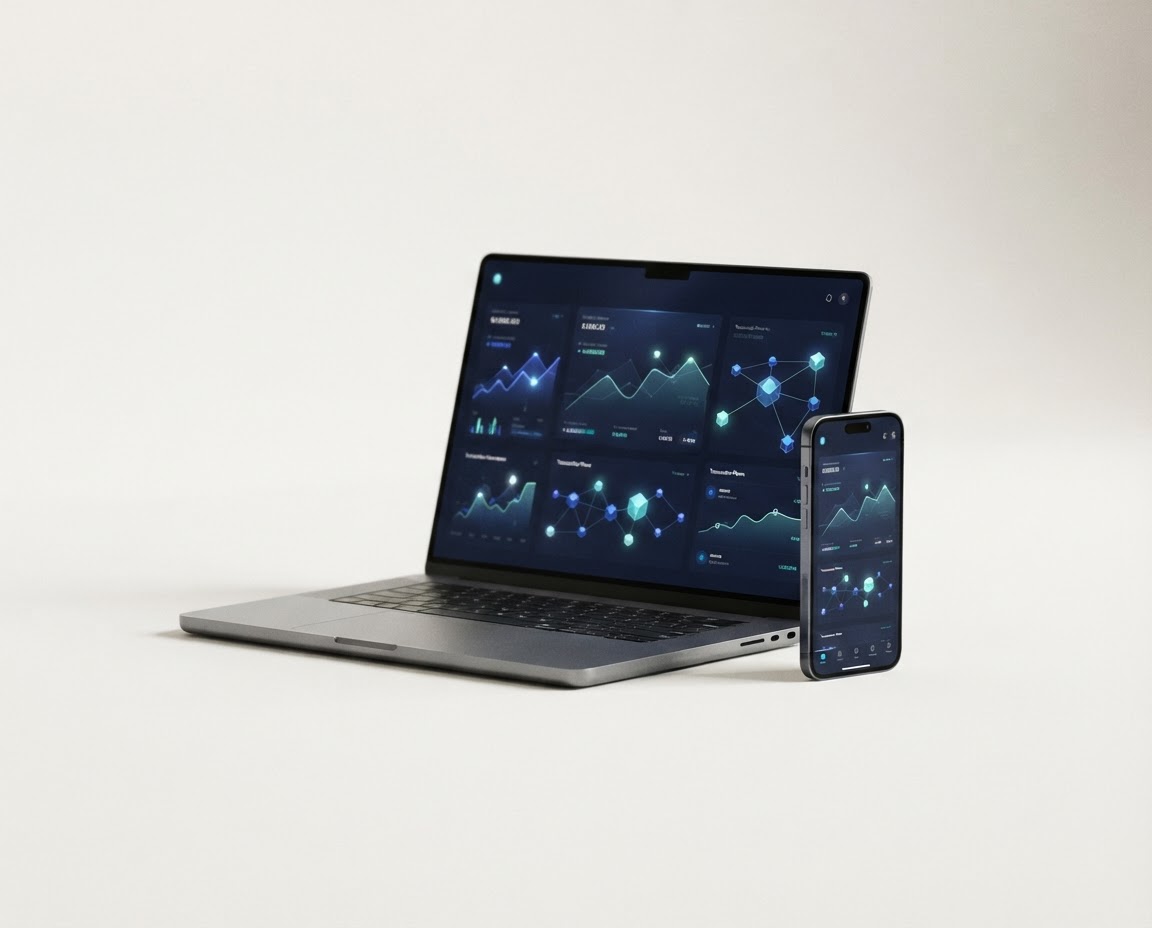
Lace is a light wallet for Cardano—built to make the everyday parts of Web3 feel more approachable.
From viewing your wallet activity to interacting with supported decentralized applications, Lace gives you a convenient interface for exploring Cardano. You stay in control of your wallet while choosing when and where to connect.
Whether you’re new to ADA or already active on-chain, start with the basics: understand how wallet keys work, keep your recovery phrase private, and carefully review every transaction before you approve it.
Read the security essentialsExplore network-native assets and compatible decentralized apps from a single wallet experience.
The Lace experience brings essential Cardano wallet tools into one considered interface.
Review your Cardano wallet and keep track of supported assets and recent activity in one place.
ASSETS & ACTIVITYConnect with compatible decentralized applications and discover more of what the network offers.
WEB3 CONNECTIONSGet started on a supported desktop or browser, using the official Lace distribution for your device.
DESKTOP + BROWSERFeatures and availability may change. Check Lace’s official website for current product and platform details.
A few careful choices up front can help you create a safer wallet routine.
Find Lace on its official siteType lace.io into your browser and follow its links to the supported desktop or browser download.
Follow the wallet’s setup guidance. If creating a wallet, write down its recovery phrase and store it securely offline.
Confirm the dApp address, review permissions, and read transaction details before signing anything.
Install updates only through official Lace channels and stay alert for impersonators and fake support accounts.
No wallet guide can make a secret phrase safe once it’s shared. Keep it offline, never enter it into a website sent to you by someone else, and be cautious of anyone promising support in exchange for your credentials.
More wallet safety answersQuick answers to common questions about Lace, Cardano, and getting started safely.
For current product details, use official Lace resources.Lace is a light wallet for the Cardano blockchain. It provides a way to manage ADA and supported Cardano native assets, review activity, and connect to decentralized applications from supported desktop and browser experiences.
Lace is built for the Cardano ecosystem. Asset support and available features can change over time, so check the official Lace website and in-wallet information for the latest compatibility details.
Start at the official Lace website and follow its download links for your device or browser. Check that the address is exactly lace.io before downloading, and avoid links from unsolicited messages or sponsored lookalike pages.
Your recovery phrase is sensitive wallet information. Keep it private and securely backed up offline. Anyone who gets access to it may be able to control the assets associated with your wallet; legitimate support will never ask you to reveal it.
Lace can connect with supported Cardano dApps. Only connect to services you trust, review every permission request, and carefully verify transaction details before approving them.
Discover the Lace wallet experience directly from its official home.